Keep the divisions of large organisations in your directory
A large organisation rarely has one set of details. Each division, location, team or contact person has its own address, its own waiting time or its own offer, and visitors want to find exactly that. In a directory, each of those is an entry of its own. The hard part is keeping them in line when the organisation reorganises, opens a new location or closes one.
That is what organisations in the AXIO directory are for.
Describe the organisation once
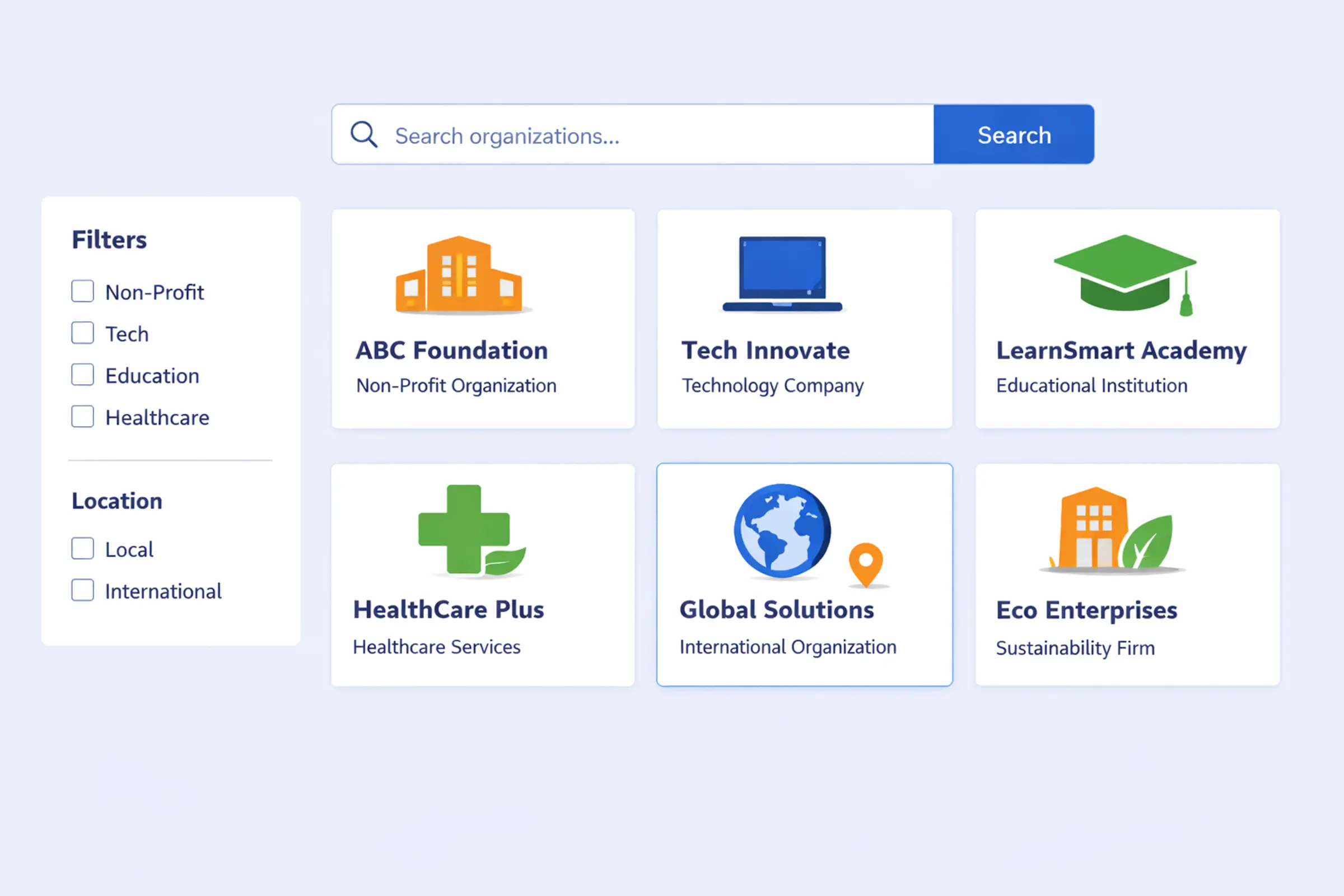
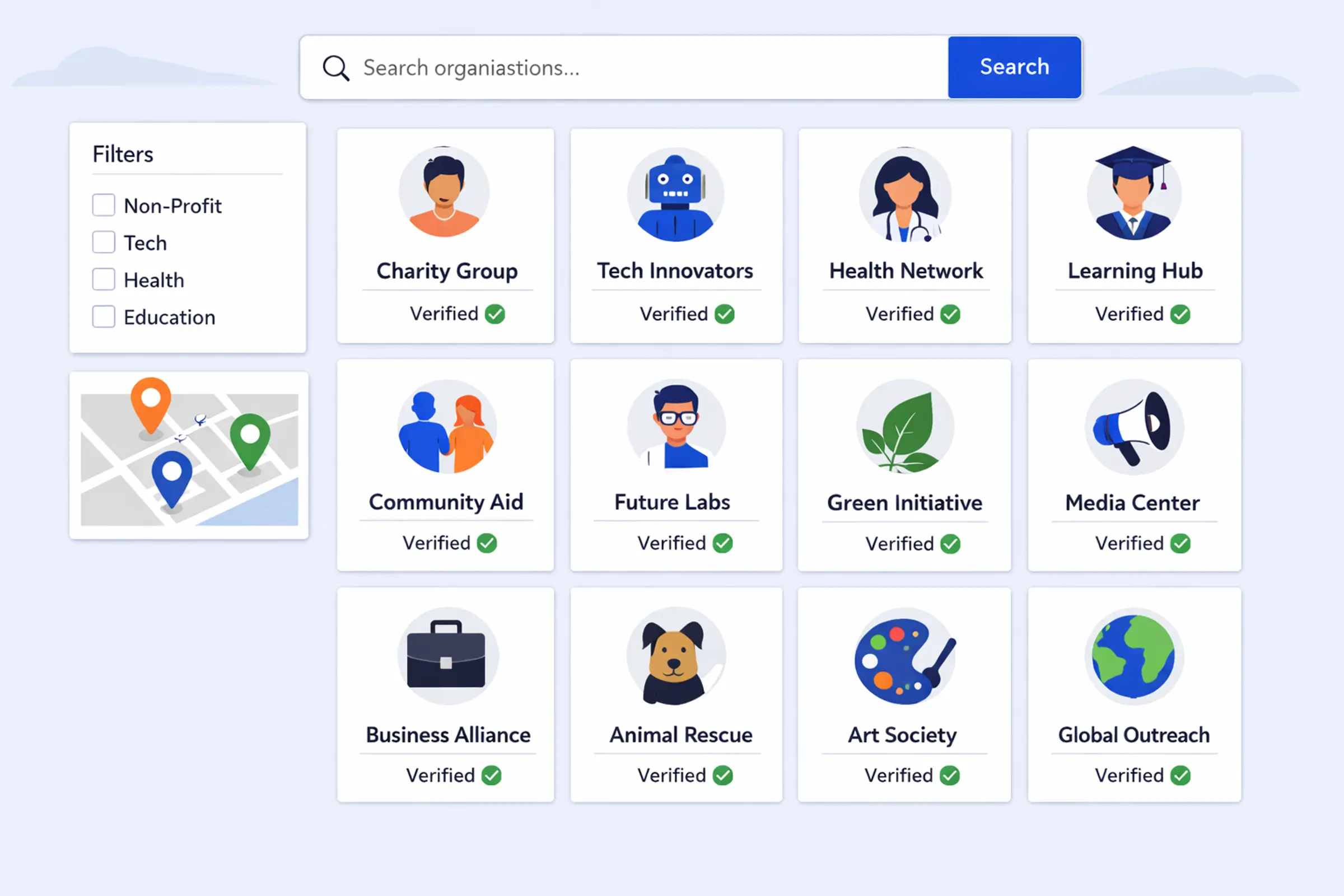
You create an organisation, choose the type its entries get, and add the pages that list its divisions, such as an overview page or a page per location. Link the entries you already have to it and give each one its division. The division shows under the name on the card, so visitors can tell the entries of one organisation apart.
Axi reads the pages and proposes changes
Axi reads those pages and compares them with your entries. It proposes a new entry for a division that is new, a change of name, website or division, or ending an entry whose division is gone. A new division arrives with a first check of its details, taken from its own page. You can run the check whenever you like, or let it run on a schedule. When nothing on the pages has changed, nothing is compared, and nothing is spent.
A person decides, and Axi learns
Every proposal is reviewed by a person, and only then does the directory change. An entry that ends goes to the trash, so you can bring it back. When you reject a proposal, Axi remembers it, together with your note, and does not propose it again. You can also tell Axi what belongs in your directory, for example the towns of your region, so it stays within your scope.
Ask Axi to do it
You do not have to click it together. Ask Axi to create an organisation from the pages you give it, link its entries, start a check, or verify one entry. Axi starts a check you ask for right away, shows the steps in the chat while it works, and puts a button under its answer that takes you to the proposals. An AI assistant you have connected can do the same. Directories differ in what a division is, so you can describe that per directory type: a department in one, a board member's portfolio in another.
Read more
- The steps for organisations: How to set up organisations in a directory.
- Building the directory itself: How to set up a directory.
- What the feature does and who can do what: Directory.
- How Axi's credit is used: How AI credits work.